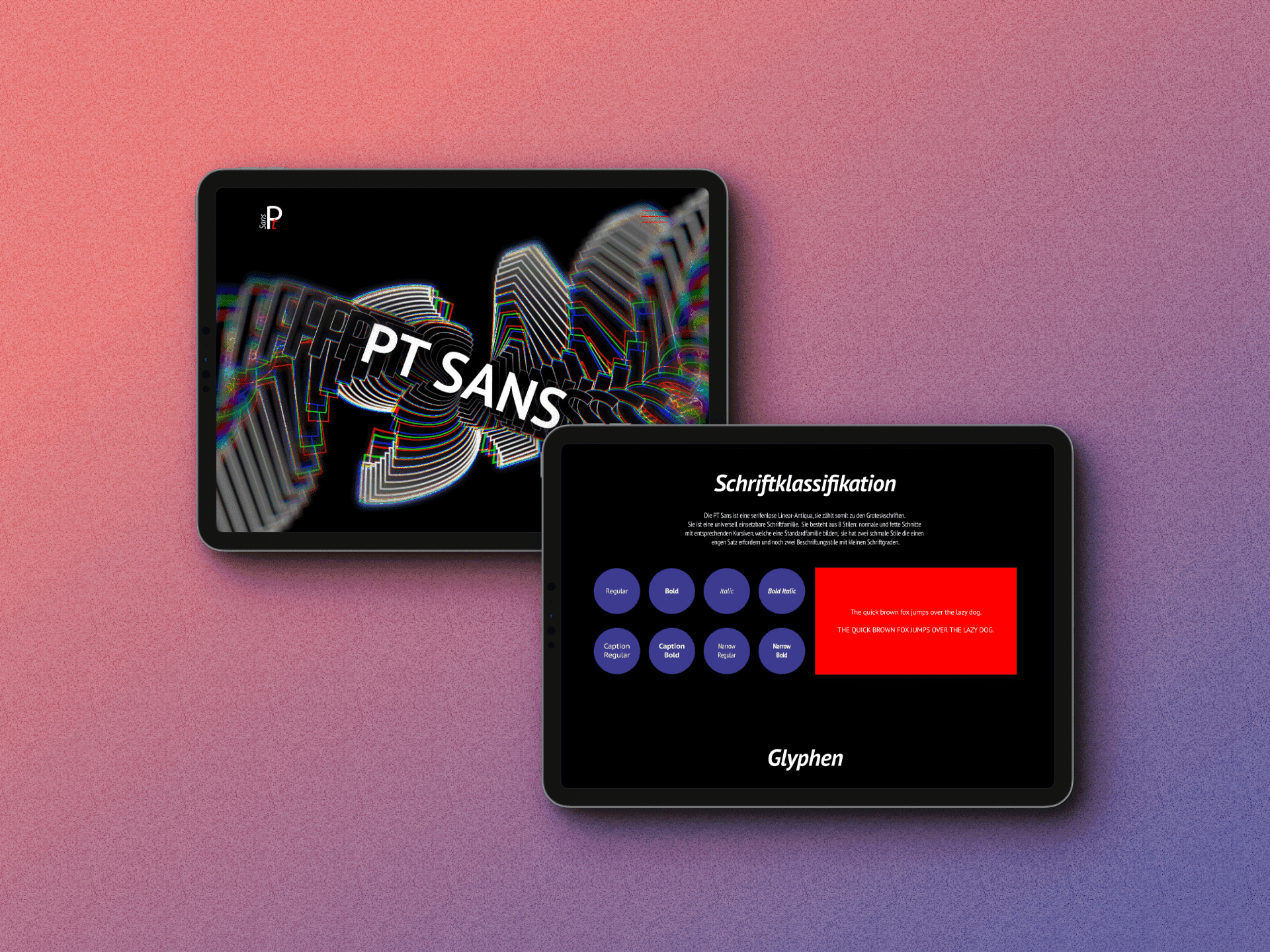
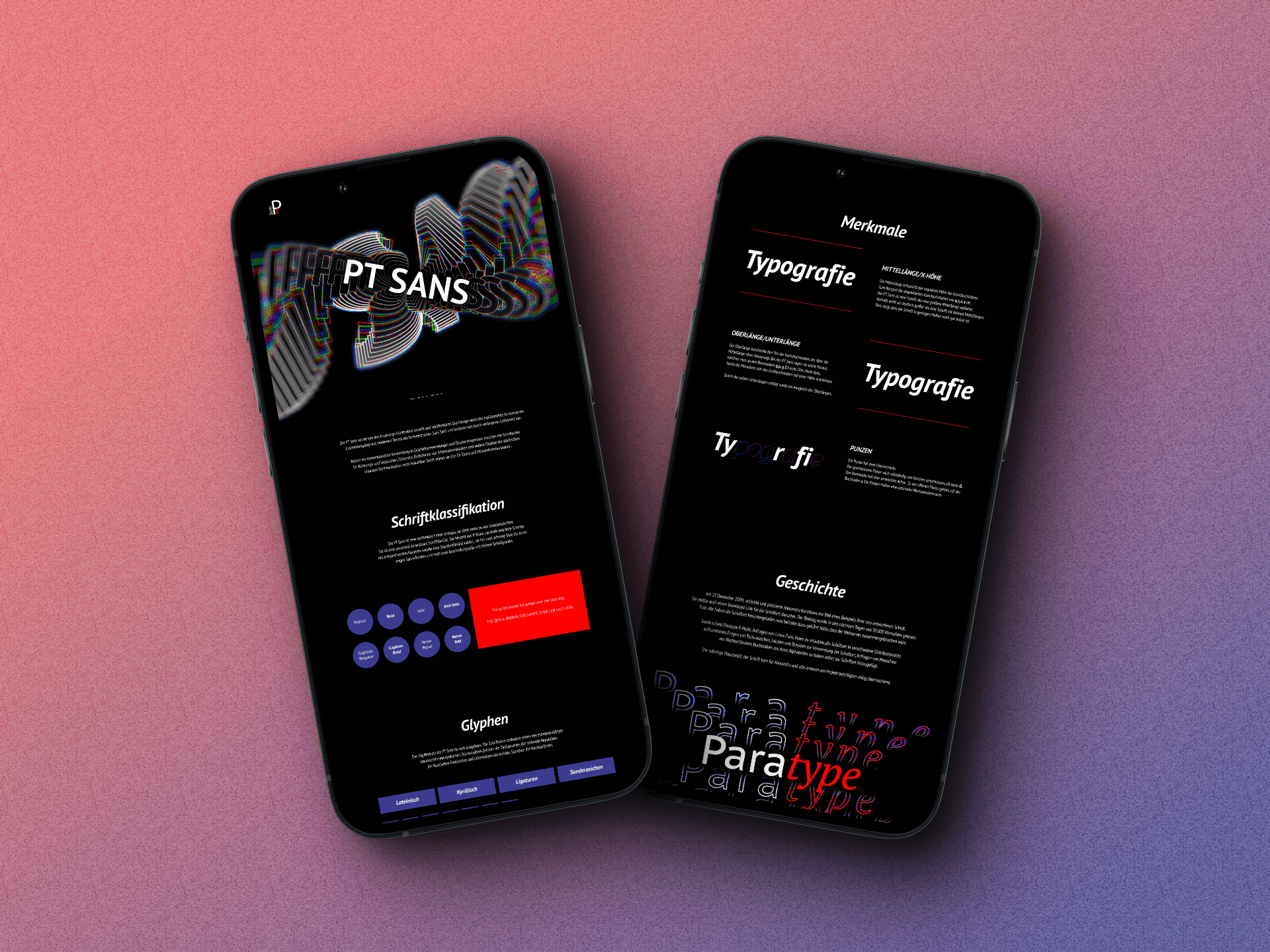
PT Sans is an interactive type specimen microsite that transforms a widely-used typeface into a clear, structured learning experience. I designed the concept, content flow, high-fidelity UI, typography animations, and educational UX storytelling. The goal was to reveal PT Sans’s structure, rhythm, and typographic behavior through clear interaction and motion.
01 — Challenge & Objective
Challenge
Most people know PT Sans but don’t understand its structure, design history, or typographic behavior.
Type specimens are often static and lack educational clarity.
The challenge: turn a familiar typeface into a dynamic, educational, and interactive experience.
Objective
Build a modern type specimen that explains core typography principles:
— letter spacing
— optical alignment
— stroke modulation
— hierarchy
— type variationsDesign an interactive structure that works across desktop, tablet, and mobile.
02 — Process / Research
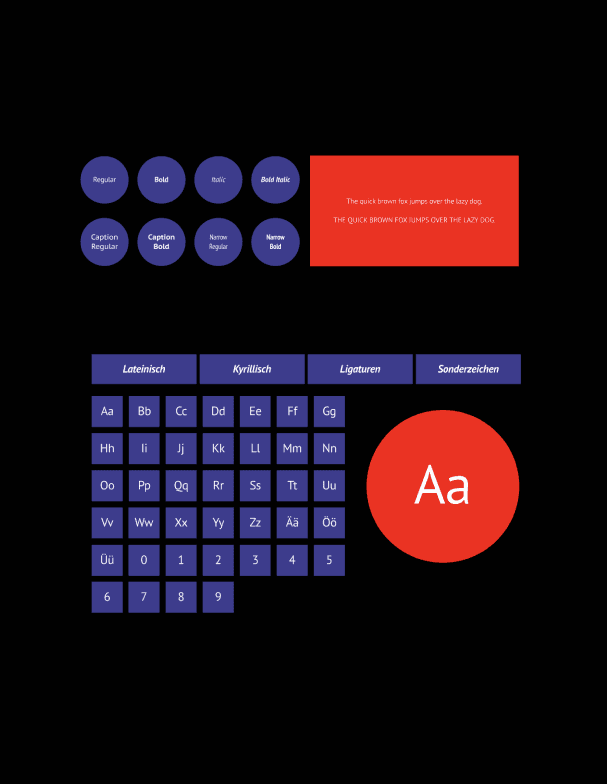
Conducted a full analysis of PT Sans including structure, spacing, rhythm, optical alignment, glyph set behavior, and screen performance.
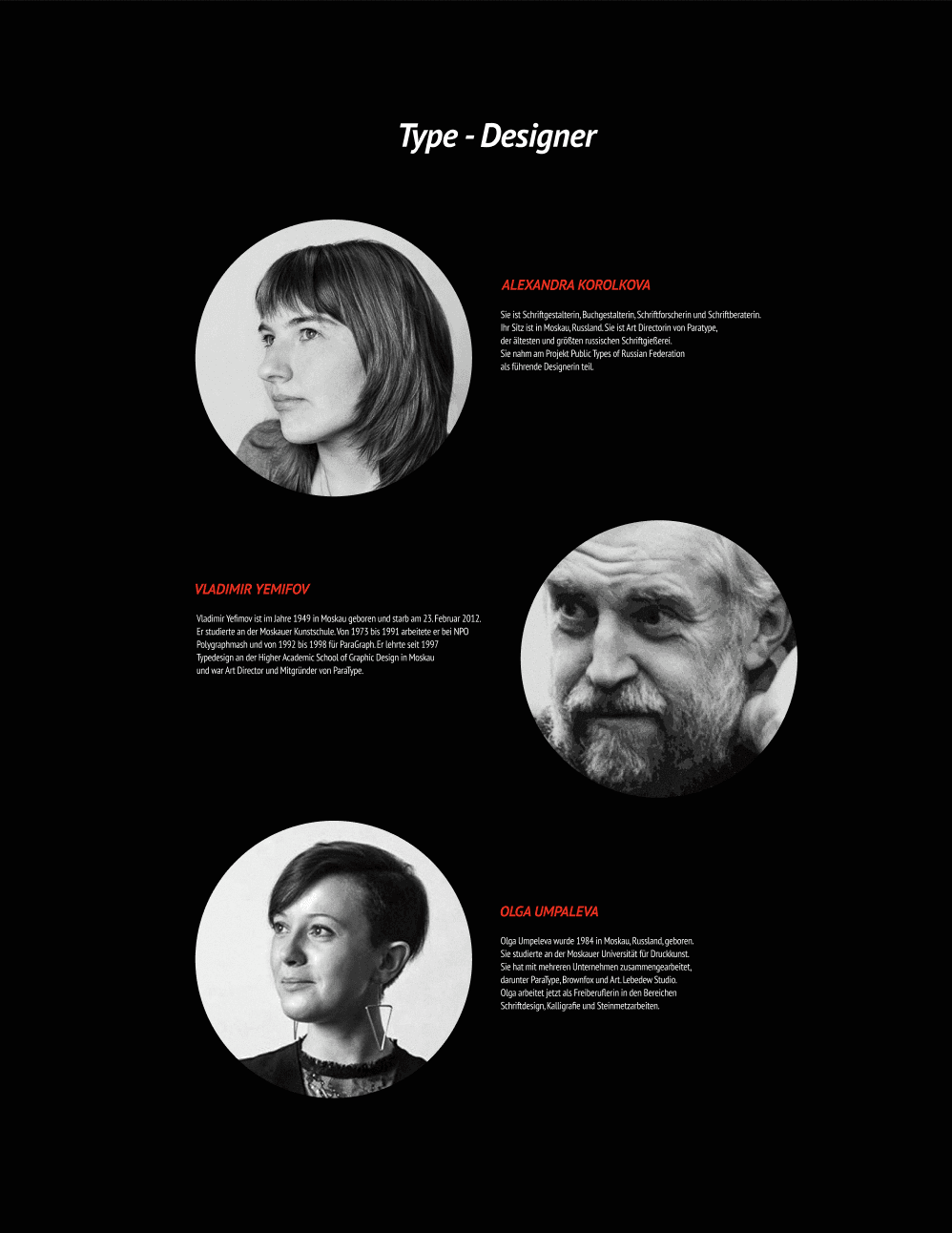
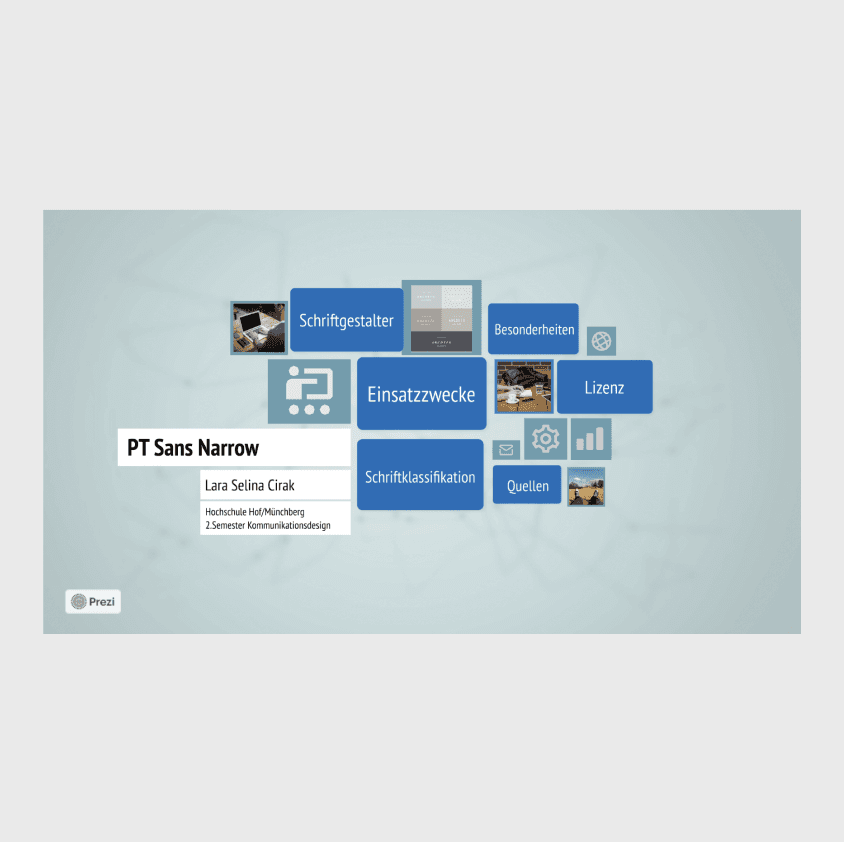
Built a structured content flow covering: history → designers → anatomy → glyph sets → usage examples → responsive behavior.
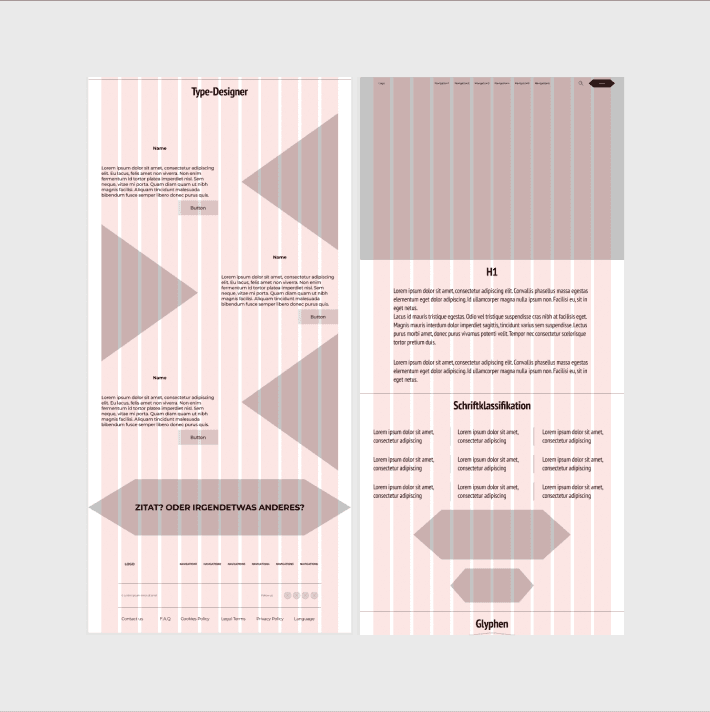
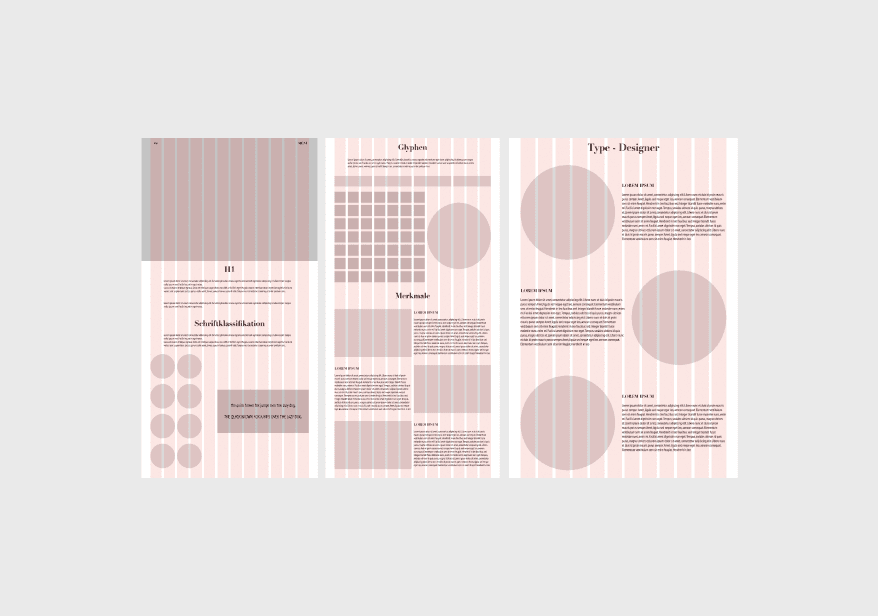
Created wireframes for desktop, tablet, and mobile to define rhythm, hierarchy, and interaction patterns.
Moved into high-fidelity design with a modular grid and clean typographic layout.
03 — Design System
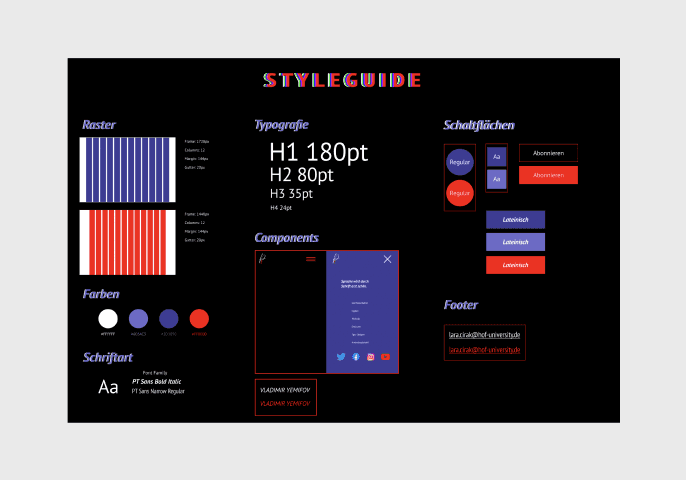
Developed a typographic design system focused on clarity, rhythm, and structure.
Built layout rules for modular grids, spacing systems, and content blocks.
Designed UI elements and interactions showing letter behavior, spacing, motion, and glyph variations.
Created animations and scroll-based transitions to make structural details visible across breakpoints.
04 — Outcome & Learnings
Delivered a clean, responsive, interactive type specimen that makes PT Sans easy and enjoyable to explore.
Built animations and micro-interactions that reveal typographic structure and glyph behavior.
Structured the educational flow around UX principles — hierarchy, readable layout, motion, and clarity.
Demonstrated how typography can be turned into an accessible digital experience.